
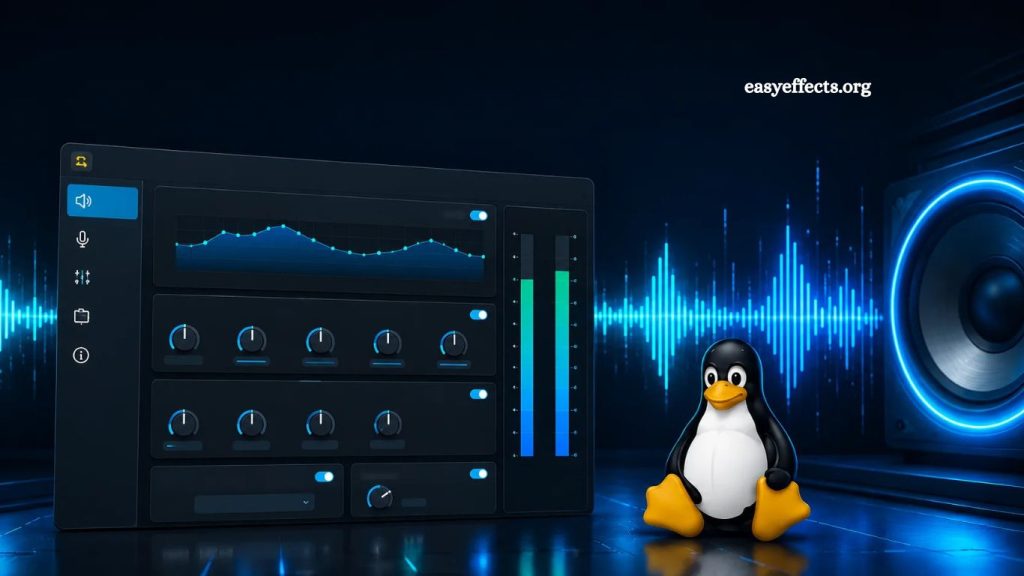
EasyEffects is a popular audio processing application widely used to enhance sound quality, apply real-time effects, and manage audio pipelines on Linux systems. Many users searching for advanced sound customization often wonder whether this powerful tool is available for Windows. The short answer is no—EasyEffects does not natively support Windows. However, understanding why it is not compatible and what alternatives exist helps users achieve similar or even better audio control on Windows systems.
This article explains EasyEffects compatibility, its technical foundation, and the best Windows alternatives for achieving professional-grade audio processing.
What Is EasyEffects?
EasyEffects is an advanced real-time audio effects application designed for Linux-based operating systems. It is built specifically to work with modern Linux audio systems such as PipeWire and PulseAudio.
The software allows users to apply a wide range of audio effects, including:
- Equalization and parametric EQ
- Compressor and limiter control
- Reverb and echo effects
- Bass enhancement and noise reduction
- Audio input/output processing
- Advanced microphone tuning
EasyEffects is especially popular among streamers, podcasters, gamers, and audiophiles who want full control over system-wide audio behavior without relying on hardware processors.
Read More: Free Use of EasyEffects: Is It Really Free?
Its deep integration with Linux audio architecture is the key reason it cannot operate outside its intended environment.
Why EasyEffects Does Not Work on Windows
EasyEffects is not available on Windows because it depends on Linux-specific audio frameworks. It is tightly built around PipeWire and PulseAudio, which are audio servers exclusive to Linux systems.
Dependency on PipeWire
PipeWire is a modern Linux audio and video server that replaces older systems like PulseAudio and JACK. EasyEffects relies heavily on PipeWire for routing audio streams and applying real-time effects.
Windows does not use PipeWire, so direct compatibility is impossible.
Linux-Based Audio Architecture
Windows uses a completely different audio system known as WASAPI (Windows Audio Session API). Because EasyEffects is not designed to interface with WASAPI, it cannot process or intercept audio streams on Windows.
System-Level Integration
EasyEffects modifies audio at a system-wide level on Linux. This type of integration requires deep access to audio pipelines, which Windows restricts differently for security and architectural reasons.
As a result, porting EasyEffects directly to Windows would require rebuilding the entire application from the ground up.
Can EasyEffects Run on Windows Using Workarounds?
Some users attempt to run EasyEffects on Windows using compatibility layers like Wine or virtual machines. However, these methods are not practical for real-time audio processing.
Wine Compatibility
Wine can run some Linux applications on Windows, but EasyEffects relies on PipeWire, which does not function properly in Wine environments. Even if the application launches, audio routing fails.
Virtual Machines
Running EasyEffects inside a Linux virtual machine introduces latency issues. Real-time audio effects require low-latency processing, which virtual machines cannot reliably provide.
Dual Boot Setup
A dual-boot system with Linux and Windows is the only way to enable full EasyEffects functionality on the same hardware. However, users must switch operating systems to use it.
Best EasyEffects Alternatives for Windows
While EasyEffects is not available for Windows, several powerful alternatives offer similar functionality. Some even provide more stability and broader compatibility.
Equalizer APO
Equalizer APO is one of the most popular system-wide audio equalizers for Windows.
Key features include:
- System-wide audio equalization
- Low-latency processing
- High customization via configuration files
- Plugin support through Peace GUI
It is lightweight and highly flexible, making it a strong alternative to EasyEffects for Windows users.
Peace Equalizer Interface
Peace is a graphical interface for Equalizer APO. It simplifies configuration and adds user-friendly controls.
Features include:
- Visual equalizer sliders
- Preset management
- Real-time adjustments
- Easy setup for beginners
Peace is ideal for users who want EasyEffects-like control without the need for complex configuration files.
Voicemeeter Banana
Voicemeeter Banana is a virtual audio mixer that offers advanced routing and mixing features.
Capabilities include:
- Real-time audio mixing
- Multiple input/output routing
- Built-in effects and compression
- Ideal for streaming and podcasting
Content creators widely use it and offer more control over audio routing than EasyEffects in some workflows.
FXSound
FXSound is a simpler audio enhancement tool that instantly improves sound quality.
Features include:
- One-click sound enhancement
- Bass and clarity adjustment
- Preset-based sound profiles
- Lightweight performance
It is not as advanced as EasyEffects, but it is useful for everyday users.
SteelSeries Sonar
SteelSeries Sonar is a modern audio management system designed for gaming and streaming.
Features include:
- Game/chat/media audio separation
- Parametric EQ
- Spatial audio support
- Built-in noise reduction
It provides a polished and gaming-focused alternative to EasyEffects.
Comparing EasyEffects and Windows Alternatives
EasyEffects remains one of the most powerful Linux audio tools thanks to its deep system integration and support for PipeWire. However, Windows alternatives offer strong functionality in different ways.
- Feature EasyEffects (Linux) Windows Alternatives
- System-wide EQ Yes Yes (Equalizer APO)
- Real-time effects Yes Yes (Voicemeeter, Sonar)
- Open-source Yes Partially
- Ease of setup Moderate Easy to Moderate
- Audio routing control Advanced (Voicemeeter)
Windows tools may not replicate EasyEffects exactly, but they provide equivalent or specialized functionality depending on user needs.
Why Users Want EasyEffects on Windows
Many users search for EasyEffects on Windows because of its reputation in the Linux community. It is known for:
- High-quality audio processing
- Flexible effect chains
- Low-latency performance
- Professional-grade control
Windows users often seek the same level of control for gaming, streaming, and music production. This demand explains the popularity of alternatives like Equalizer APO and Voicemeeter.
Frequently Asked Questions
Does EasyEffects work on Windows?
No, EasyEffects does not work on Windows because it is built specifically for Linux audio systems like PipeWire and PulseAudio.
Why is EasyEffects not available for Windows?
EasyEffects depends on Linux-based audio architecture, which is incompatible with Windows audio systems such as WASAPI.
Can I install EasyEffects on Windows using Wine?
Wine does not support PipeWire, so EasyEffects cannot function properly even if it launches.
Is there a Windows version of EasyEffects?
No official Windows version exists, and there is no confirmed development plan for one.
What is the best alternative to EasyEffects on Windows?
Equalizer APO with Peace GUI is the closest alternative for system-wide audio equalization on Windows.
Can I get real-time audio effects like EasyEffects on Windows?
Yes, tools like Voicemeeter Banana and SteelSeries Sonar provide real-time audio processing features.
Is EasyEffects better than Windows audio tools?
EasyEffects offers deeper Linux integration, but Windows tools provide strong and user-friendly alternatives for most users.
Conclusion
EasyEffects remains a powerful Linux-based audio processing tool with advanced real-time effects and deep system integration. Its design around PipeWire and PulseAudio makes it incompatible with Windows systems. Users seeking similar functionality on Windows can rely on alternatives such as Equalizer APO, Peace Equalizer, Voicemeeter Banana, and SteelSeries Sonar, which offer strong audio customization and performance.