

EasyEffects for Linux Audio Enhancement
Improve Linux audio quality with EasyEffects using equalizer, compressor, limiter, and advanced PipeWire sound effects.
50K+
Active Users
4.8★
User Rating
15+
Audio Effects
100%
Free & Open Source
- About the Software
What is EasyEffects ?
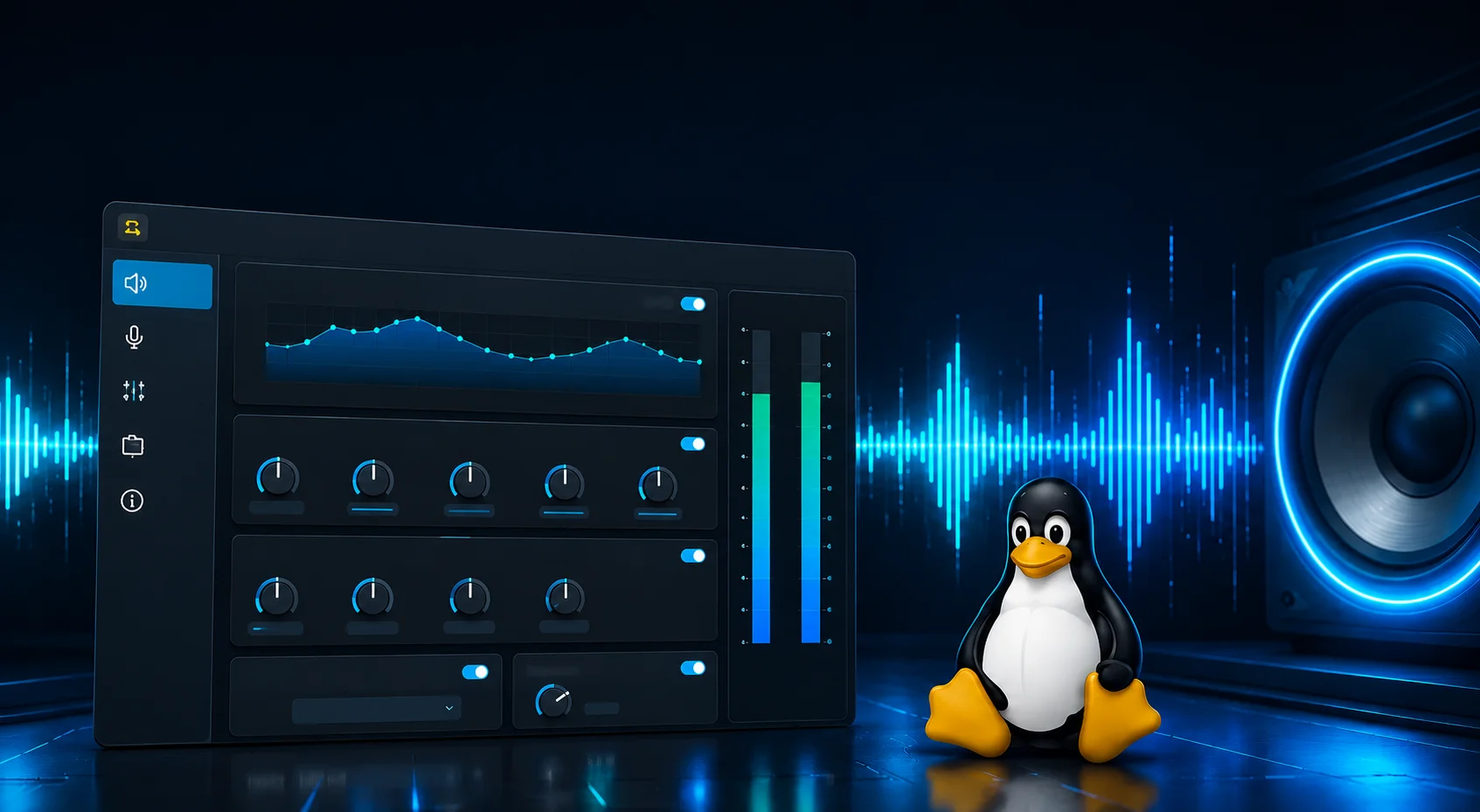
EasyEffects is a powerful Linux audio enhancement application that improves sound quality through advanced real-time processing. Built for modern PipeWire audio systems, the software allows users to apply professional audio effects to system output and microphone input with ease.
The application includes a wide range of sound customization tools, including an equalizer, compressor, limiter, reverb, bass enhancement, noise reduction, and support for convolvers. These features help users create clearer, deeper, and more immersive audio experiences for music, gaming, streaming, voice communication, and content creation.
EasyEffects is widely used by Linux users who want greater control over their audio environment without sacrificing system performance. Its modern interface, flexible presets, and advanced audio controls make it one of the most trusted audio processing solutions available for Linux systems.
- Key Features
Powerful Audio Enhancement Features
Enhance your Linux audio experience with advanced real-time sound processing tools designed for music streaming, gaming, and professional audio customization. EasyEffects provides powerful features that help users achieve cleaner deeper, and more immersive sound quality across their entire system.
Equalizer
Customize audio frequencies with precision using the built in equalizer. Adjust bass mids and treble levels to create balanced and immersive sound profiles for music movies and gaming.
Limiter
Protect audio output from distortion and clipping with the limiter feature. It helps maintain stable volume levels while delivering cleaner and more controlled sound performance.
Compressor
Improve audio consistency by controlling dynamic sound ranges. The compressor reduces sudden volume spikes and creates smoother listening experiences for voice chats streaming and entertainment.
Reverb Effects
Add natural depth and atmospheric sound effects to music and voice recordings. Reverb helps create a richer and more spacious audio environment.
Noise Reduction
Reduce unwanted background noise from microphones and voice input devices. This feature improves communication clarity during online meetings streaming and gaming sessions.
Bass Enhancement
Boost low frequency audio for deeper bass response and more powerful sound output. Perfect for users who enjoy immersive music and cinematic audio experiences.
Convolver Support
Apply advanced impulse response profiles for realistic audio simulation and professional sound customization. Convolver support allows users to achieve unique acoustic effects with precision.
Real Time Processing
Experience instant audio adjustments without delays. EasyEffects processes sound in real time allowing users to hear audio changes immediately while applications are running.
- Workflow
How EasyEffects Works
EasyEffects provides an easy and efficient way to customize audio on Linux systems. With real time sound processing and a modern interface, users can quickly improve system audio and microphone quality without complicated configuration.
Install EasyEffects
Download and install EasyEffects using your Linux distribution package manager. The application supports modern Linux systems with PipeWire integration for smooth audio processing.
Launch and Select Audio Effects
Open EasyEffects and choose whether you want to enhance system output audio or microphone input. The software allows users to apply effects separately for different audio sources.
Customize Audio Settings
Adjust sound settings using advanced plugins and built-in presets. Configure equalizer bands, bass enhancement, compressor limiter, reverb, and other professional audio tools to match your listening preferences.
Enjoy Enhanced Audio Quality
Experience cleaner, richer, and more immersive sound instantly across your Linux system. EasyEffects processes audio in real time for music gaming, streaming voice communication, and professional use.
- Why Choose
Why Linux Users Prefer EasyEffects
EasyEffects has become one of the most trusted audio enhancement tools for Linux users who want greater control over sound quality and system audio performance. Designed for modern Linux environments, the application combines powerful audio processing features with a clean and user-friendly experience.
Modern PipeWire Integration
EasyEffects is built to work seamlessly with PipeWire, providing stable and efficient real time audio processing for modern Linux systems.
User Friendly Interface
The application features a clean and intuitive interface that allows users to manage audio effects and settings easily without complicated configuration.
Lightweight Performance
EasyEffects is optimized for smooth system performance and runs efficiently in the background without consuming excessive hardware resources.
Open Source Flexibility
As an open source project, EasyEffects gives users the freedom to customize and improve their audio environment with transparent and community driven development.
Advanced Audio Customization
Users can personalize sound settings with professional audio tools including equalizer compressor limiter reverb bass enhancement and more.
Perfect for Gaming and Streaming
EasyEffects helps improve gaming immersion voice clarity and streaming audio quality with real time sound enhancement features.
Compatible with Multiple Linux Distributions
The software supports a wide range of Linux distributions including Ubuntu Fedora Arch Linux Debian Linux Mint and other PipeWire compatible systems.
- Installation Guide
Step-by-Step Installation
Follow these detailed instructions for a smooth setup on your system.
Install Flatpak and Flathub
Install EasyEffects
Launch EasyEffects
Update System Packages
Install EasyEffects
Run the Application
Synchronize Packages
Install EasyEffects
Launch EasyEffects
Clone Repository
Build the Project
Install and Run
- Audio Effects
15+ Professional Audio Effects
Every effect you need for music, calls, streaming, and content creation — all built in.
Equalizer
10/30-band parametric EQ
Compressor
Dynamic range control
Limiter
Peak level protection
Reverberation
Room and hall reverb
Stereo Tools
Wide stereo enhancement
Noise Reduction
RNNoise AI noise removal
Bass Enhancer
Sub-harmonic bass boost
Crossfeed
Headphone virtualization
High/Low Pass Filter
Frequency cutoff control
Deesser
Vocal sibilance reduction
Multiband Compressor
Frequency-specific compression
Loudness
EBU R128 loudness normalization
- Screenshots
See EasyEffects in Action
A clean, modern interface that makes audio processing intuitive and enjoyable.
- Requirements
System Requirements
Make sure your system meets these minimum requirements for optimal performance.
Minimum Requirements
Recommended
- Performance
Blazing Fast Performance
EasyEffects is engineered for minimal resource usage. Real benchmarks from actual Linux systems prove it.
CPU Efficiency
Only 0.8% avg usage
Latency Score
Ultra low delay
Memory Usage
Minimal RAM load
Stability
Stable performance
CPU Usage by Pipeline Configuration
EasyEffects Performance MonitorLatency by Buffer Size
Memory Usage Breakdown
Real Time CPU Monitor
● LIVEAverage
Peak
Minimum
- Comparison
EasyEffects vs Alternatives
See how EasyEffects compares to other Linux audio tools on the market.
| Feature | EasyEffects | PulseEffects | JamesDSP |
|---|---|---|---|
| PipeWire Support | ✔ | ✖ | ✔ |
| GTK4 Modern UI | ✔ | ✖ | ✖ |
| Active Development | Active | Discontinued | Slow |
| Number of Effects | 15+ | 12 | 10+ |
| Per-App Control | ✔ | ✔ | ✖ |
| AI Noise Reduction | ✔ | ✖ | ✔ |
| Flatpak Available | ✔ | ✔ | ✖ |
- Pros & Cons
Honest EasyEffects Review
An unbiased look at the strengths and limitations of EasyEffects.
Pros
Cons
Verdict: EasyEffects is the best free audio effects processor available for Linux. Its minor limitations are far outweighed by its powerful feature set, active development, and strong community support. Highly recommended.
- Use Cases
Who Uses EasyEffects ?
From casual listeners to professional creators — EasyEffects serves a wide range of audio needs.
Music Lovers
Apply EQ presets tuned for your headphones. Enhance bass, clarity, and soundstage for immersive listening experiences.
Content Creators
Enhance microphone input with noise reduction, compressor, and EQ for professional quality streams, podcasts, and videos.
Gamers
Improve spatial effects, voice clarity, and reduce background distractions while gaming with ultra low latency audio.
Remote Workers
Crystal clear voice quality for meetings, calls, and collaboration apps with advanced AI noise reduction support.
- Popular Presets
Top Community Presets
These are the most downloaded and highest-rated presets from the EasyEffects community.
Sony WH-1000XM4 Optimized
AutoEQ-based correction with bass enhancement
Clean Voice Chat
Noise reduction + EQ + compressor for mic input
Bass Boosted Speakers
Enhanced low-end for desktop speakers
Gaming Immersive
Spatial audio + bass boost for gaming
Flat Response Studio
Neutral reference for music production
Streaming Studio Mic
Full broadcast chain for streamers
- Testimonials
What Users Say About EasyEffects
Real feedback from the Linux audio community.
"EasyEffects completely transformed my audio setup on Ubuntu. The AutoEq presets for my Sony WH-1000XM4 headphones are absolutely incredible. Bass is tight, mids are clear, and the soundstage widened noticeably."
Alex M.
Ubuntu 24.04 User"As a podcaster, the RNNoise integration in EasyEffects is a game-changer. My recordings sound like they were made in a treated studio. The compressor keeps my levels consistent without sounding artificial."
Sarah K.
Fedora Linux Podcaster"I switched from PulseEffects and the GTK4 interface is gorgeous. The pipeline system is much more flexible now. My only wish is for VST support, but for a free tool, this is absolutely phenomenal."
David R.
Arch Linux Musician- FAQ
Frequently Asked Questions
Find quick answers about EasyEffects installation audio customization PipeWire compatibility microphone enhancement presets performance and Linux audio processing features.